
What Your Local Business Website Needs to Get More Customers
A practical guide to the essential pages, information, and features every local service business website needs to turn visitors into customers. Primary Keyword: local business website Secondary Keywords: small business website, local business website design, service business website, local business online presence, website for local service business Meta Description: Learn what every local service business website needs to build trust, get found online, and turn visitors into calls, inquiries, and customers.
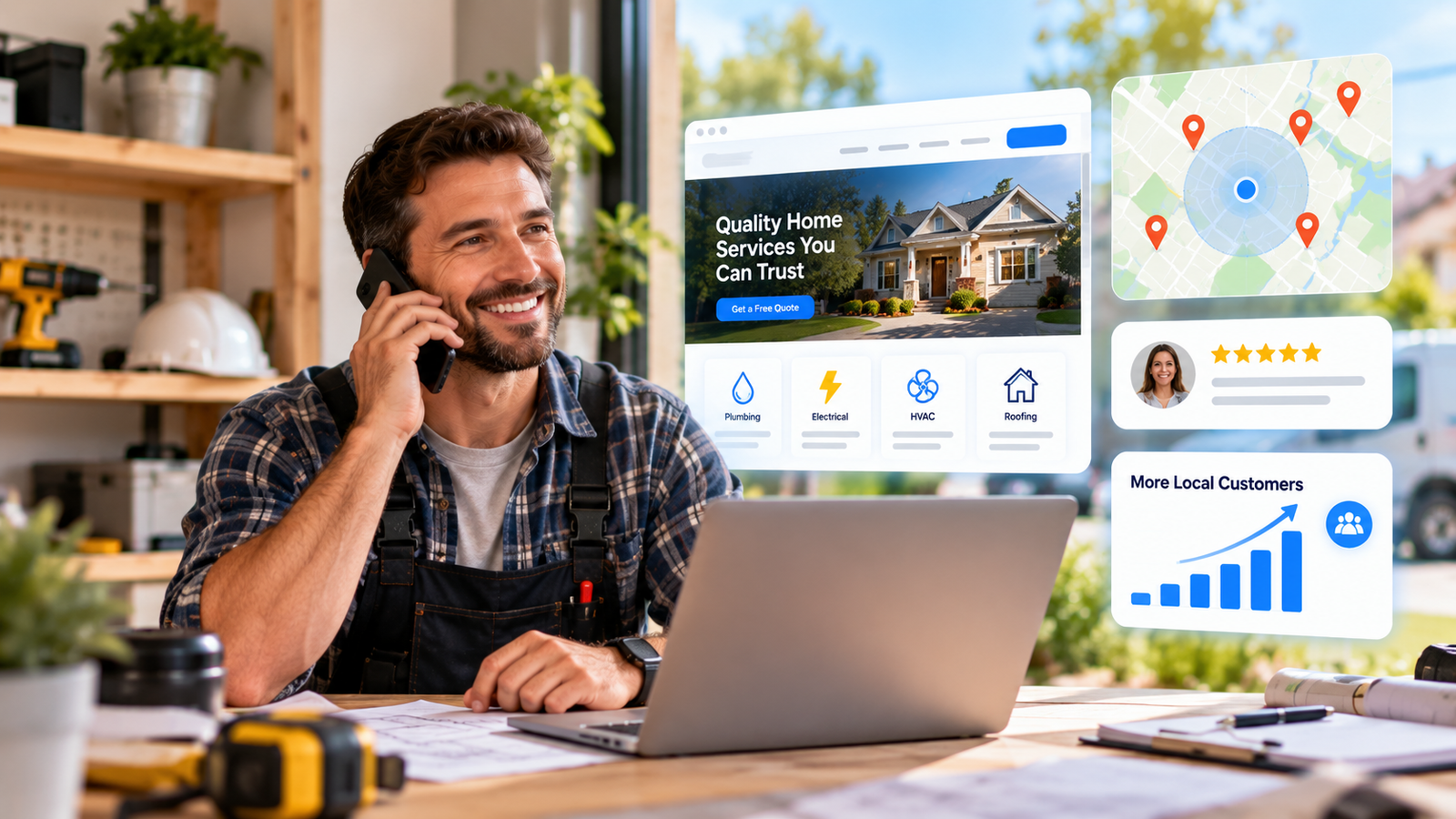
Your website is often the first place a potential customer visits after finding your local business online. A good local business website should quickly answer three questions: What do you do? Where do you work? How can I hire you?
1. Start With a Clear Homepage
Tell visitors exactly what you offer and where you serve. A headline such as “Residential Plumbing Services in Phoenix” is much more useful than “Welcome to Our Website.”
Add one clear action such as Call Now, Request a Quote, or Schedule Service.
2. Show Your Main Services
Give customers a simple overview of your most important services. For example, a plumber might offer drain cleaning, leak detection, water heater repair, and emergency plumbing.
Each important service should explain what you do and how customers can get help.
3. Tell Customers Where You Work
Make your service area easy to find. Customers should quickly know whether you serve their location.
Serving homeowners throughout Austin and surrounding communities.
If you create location pages, make each one genuinely useful. Avoid creating dozens of pages with identical content and different city names.
4. Make Contacting You Easy
Your phone number and contact options should never be difficult to find.
- Phone number
- Simple contact form
- Business hours
- Service area
- Address, when applicable
Keep forms short. Usually, a name, phone number, email, service needed, and short message are enough to start a conversation.
5. Build Trust
Customers want to know that there is a real, reliable business behind the website.
- Genuine customer reviews
- Real photos of your team and work
- Completed project examples
- Certifications or licenses where applicable
- Years in business, if relevant
Use real information. Avoid exaggerated claims or fake testimonials.
6. Use Real Business Photos
Stock images can make a local business website feel generic. Whenever possible, show your actual team, vehicles, equipment, projects, and completed work.
Real photos help potential customers see the people and work behind your business.
7. Make It Mobile-Friendly
Local customers often visit websites from their phones. Make sure your website is comfortable to use on a small screen.
- Readable text
- Easy-to-tap buttons
- Clickable phone number
- Working contact forms
- Fast-loading images
Test the website yourself on a phone before publishing it.
8. Help Customers Find You
A great website needs to be discoverable. Clearly explain your services, locations, and business information.
Connect your website with your Google Business Profile and keep your business information consistent across important online profiles.
Focus on useful content instead of filling pages with keywords.
9. Give Visitors a Clear Next Step
Every important page should guide visitors toward an action.
- Service page → Request a Quote
- Emergency service → Call Now
- Project page → Contact Us
- About page → Get an Estimate
Don't give visitors too many competing options. Make the next step obvious.
Common Website Mistakes
- Too much text and unnecessary information
- Hidden phone numbers or contact forms
- No clear service areas
- Generic or copied content
- Poor mobile experience
- No clear call to action
Local Business Website Checklist
- Clear homepage
- Main service pages
- Service areas
- Phone and contact form
- Business hours
- Customer reviews
- Real business photos
- Mobile-friendly design
- Clear calls to action
- Useful customer-focused content
You don't need a complicated website to create a strong online presence. You need one that clearly represents your business, builds trust, and makes it easy for customers to contact you.
Frequently Asked Questions
How many pages should a local business website have?
Start with the essentials: Home, Services, About, Service Areas, Reviews, and Contact. Add pages when they provide useful information.
What should a homepage include?
Explain what you do, where you work, why customers should trust you, and how they can contact you.
Does a small business need a website?
For many local service businesses, a website provides a central place for customers to learn about services, see your work, and get in touch.
How can I get more visitors?
Improve your local search presence, maintain your Google Business Profile, create useful service pages, publish helpful content, and keep your business information consistent online.
Build a Better Online Presence
Your website doesn't need to be complicated. It needs to clearly represent your business, explain your services, build trust, and make contacting you easy.
USA Local Connect helps local service businesses build their online presence with business listings, websites, visibility tools, and lead-generation features.
If your business currently relies only on social media or a basic listing, creating a stronger online home can help you become easier for local customers to discover.